Strategy · 10 November 2026
Conversion Rate Optimisation for Malaysian Product Finders
Help Malaysian parts buyers confirm fit before ordering. Improve model lookup, offer a staffed fallback and measure fitment returns alongside qualified demand.
By Digital Squad
Key Insights
- Ask for the smallest piece of evidence that separates a confirmed fit from a plausible match.
- Give ambiguous and unmatched searches a staffed enquiry route that carries the buyer's selection with it.
- Measure confirmed orders and qualified enquiries alongside fitment returns and unresolved requests.
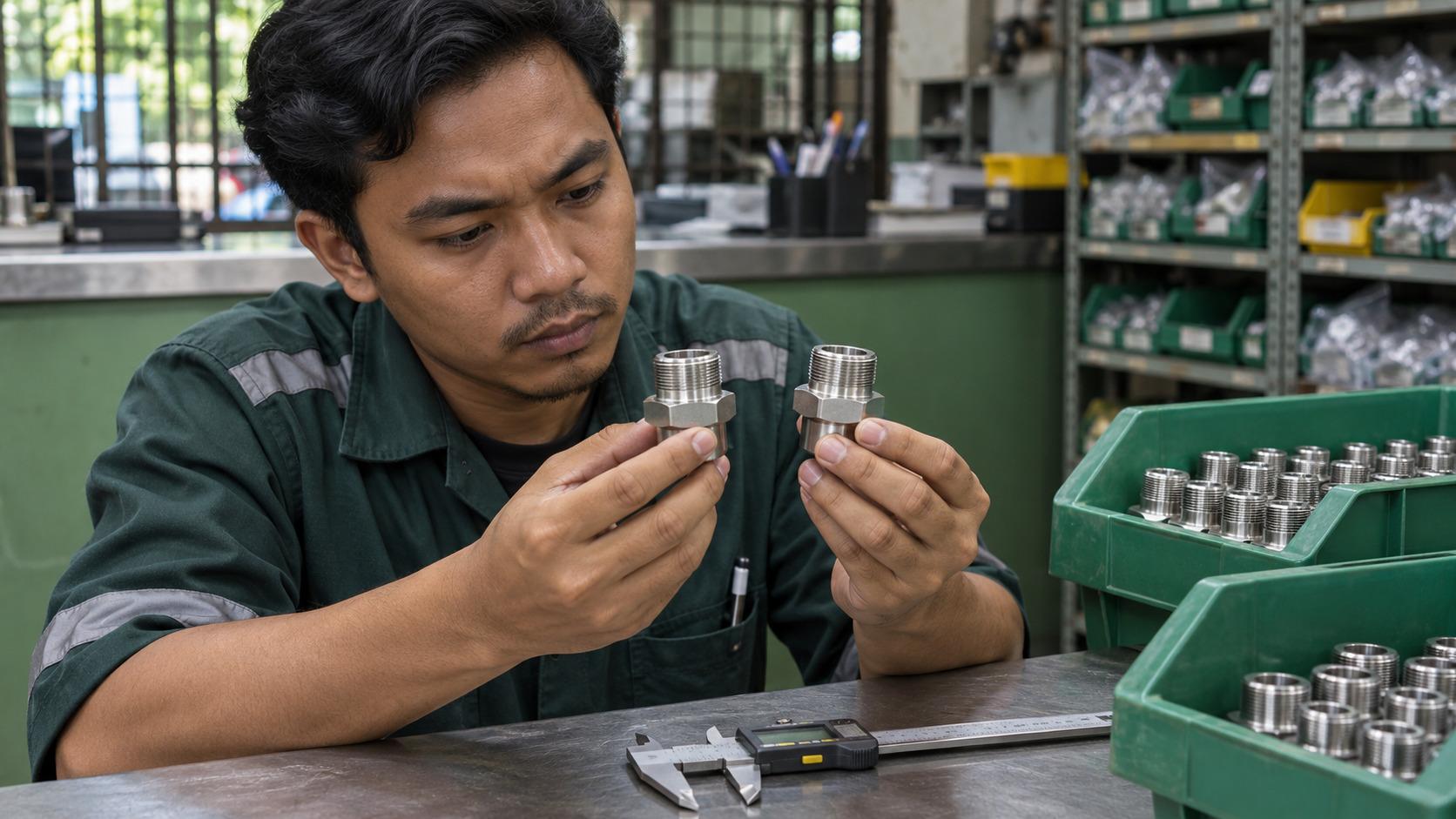
A technician looking for a replacement seal selects the pump family in a supplier's online finder. Two results appear, both carrying the same photograph. The difference is buried in a note about the production series. If the technician guesses, an order can register as a conversion before anyone discovers whether the seal fits.
For a Malaysian supplier with a searchable parts catalogue, the aim is to help customers reach the right part or ask a question somebody can answer. The operating costs show up later if the finder pushes people to guess. An incorrect order takes time to return, while a vague enquiry can leave a parts specialist reconstructing the model from scratch. Start with one product family and trace both of those outcomes before choosing a change to test.
Find the detail that changes the answer
Sit with the person who checks parts enquiries and walk through several recent examples. A model name may be enough for one machine family. For another, the production series or a suffix on the nameplate may change the assembly. Establish which identifier actually changes the match and where a buyer can find it while standing in front of the machine.
A field labelled “Product number” leaves room for interpretation when the equipment carries a model, serial and order reference. Use the term printed on the plate and show a marked-up photo or diagram beside the field. Bosch's Malaysian power-tool documentation illustrates the distinction by asking customers to use the ten-digit article number on the type plate for correspondence and spare-parts orders. In a Bahasa Malaysia or English finder, keep the identifier as printed on the equipment and translate the explanation of where to find it. Bosch operating instructions
Add help where the decision occurs. A short example beside the identifier can prevent a mistake while the buyer is typing. If the format is wrong, say what the field expects and keep the values the person has already entered. The W3C's form guidance covers putting relevant instructions near fields and giving users specific feedback they can act on. W3C form instructions · W3C guidance on user notifications
Buyers may also arrive at the finder from an equipment page rather than the homepage. Preserve that model selection and show it so the buyer can correct it before proceeding. A catalogue that already exposes the relevant product families and specifications gives you a sound place to start. The finder then resolves the remaining question about the specific part.
Build separate answers for three kinds of result
A confirmed fit can take the buyer to an order or quotation with the matched model and part number visible together. Keep any condition that made the match true near the action. If the part requires a particular serial range, the buyer should still see that range when adding it to an order.
A plausible fit deserves a narrower question. If the model returns two seals and the production series distinguishes them, ask for that series before offering an order. Show where to look and what to do if the plate is damaged. A photo or optional description may be enough for a specialist to identify the unit. Give the customer a short explanation of what staff need in the photo so they can send one that helps.
A search can fail for several reasons. An entered identifier could be valid but absent from the catalogue, a model may be out of production, or a valid result may be temporarily unavailable. Keep these states distinct when the underlying data supports the distinction. Someone with an obsolete part may want a supported replacement, while someone who has entered the wrong identifier needs help correcting it. A blank results page gives both people the same dead end.
Give the parts desk the search it needs to finish
When the buyer asks for help, carry forward the identifier entered, the selected equipment family and any candidates the finder displayed. Give the buyer a chance to check that information on the form. Ask for contact details and whatever extra evidence will help the desk confirm fit. Where staff can accept a nameplate photo, explain that in the request and say when they can expect a reply based on actual staffing.
The specialist's response can also improve the finder. Give the desk a short set of reasons for the outcome, such as confirmed replacement, incomplete identifier, missing product data or out-of-range model. If the same valid identifier keeps reaching the desk, check the product records and how the search handles spacing or punctuation. If requests are complete but sit unanswered, the improvement belongs with assignment and coverage.
Try the full flow with three records before changing the form across the catalogue. Use a fit the system can confirm, one that needs another identifier, and a genuine no-match case. Follow each through to the order or inbox. Check whether the selected details survive and whether the desk can tell what answer the customer expects. Run at least one test on a phone, including a fallback submission, since that may be the screen beside the equipment.
Count the orders you would want to fulfil again
Agree what a confirmed order and a qualified enquiry mean for the test. You might count orders that pass fitment checks and enquiries that give a specialist enough evidence to begin, then monitor wrong-part returns and unresolved cases separately. Use a stable reference so a web request can be joined to its eventual outcome without counting every follow-up email as new demand.
Review by match state and product family, particularly if volumes are low. A new prompt can reduce direct orders for ambiguous matches while helping the desk resolve more of them. Read those changes together, and allow time for returns before drawing conclusions about fitment. A lift in button clicks is an early signal about the interface. The later results show whether the change made the supplier easier to buy from.
Give a Conversion Rate Optimisation Agency a Difficult Lookup
If the same part keeps turning up in support, ask Digital Squad's Malaysia conversion team to trace that lookup through the matching support and order records. We can help decide where the finder needs a better identifier, where a person should take over and what to measure after the change.